Alert Receiver Configuration and Payload Validation#
The different steps are :
- Retrieve the client's internal API key from Vault
- Retrieve the client's Payload
- Go to the MIT site (proxy)
These steps are detailed below.
Retrieval from Vault#
Go to Vault in secret/applications/nginx-alertreceiver here.
Example for the client "test04"#
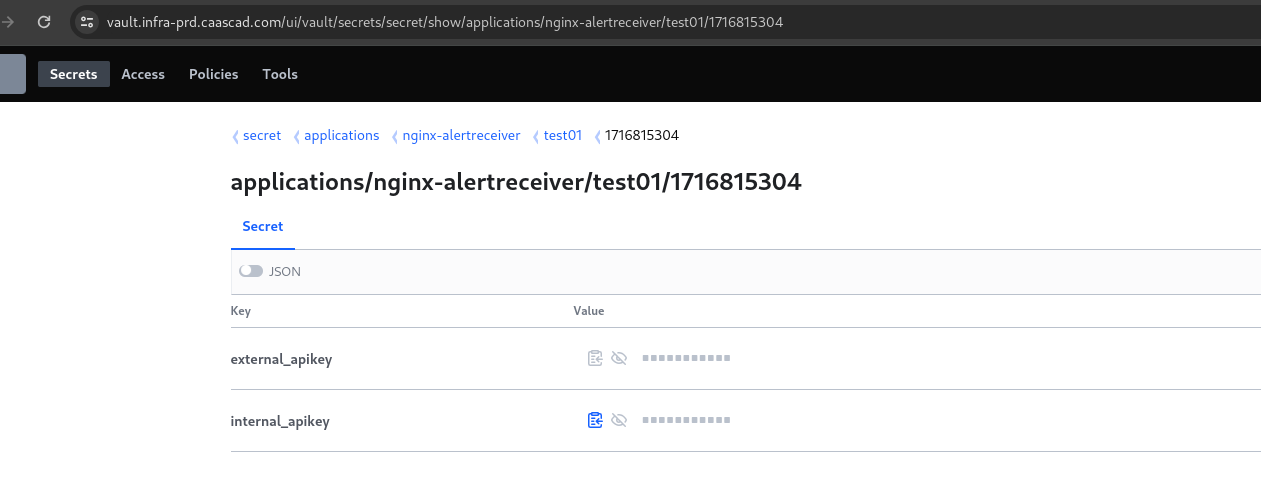
You retrieve the internal API key.
Retrieve the client's Payload#
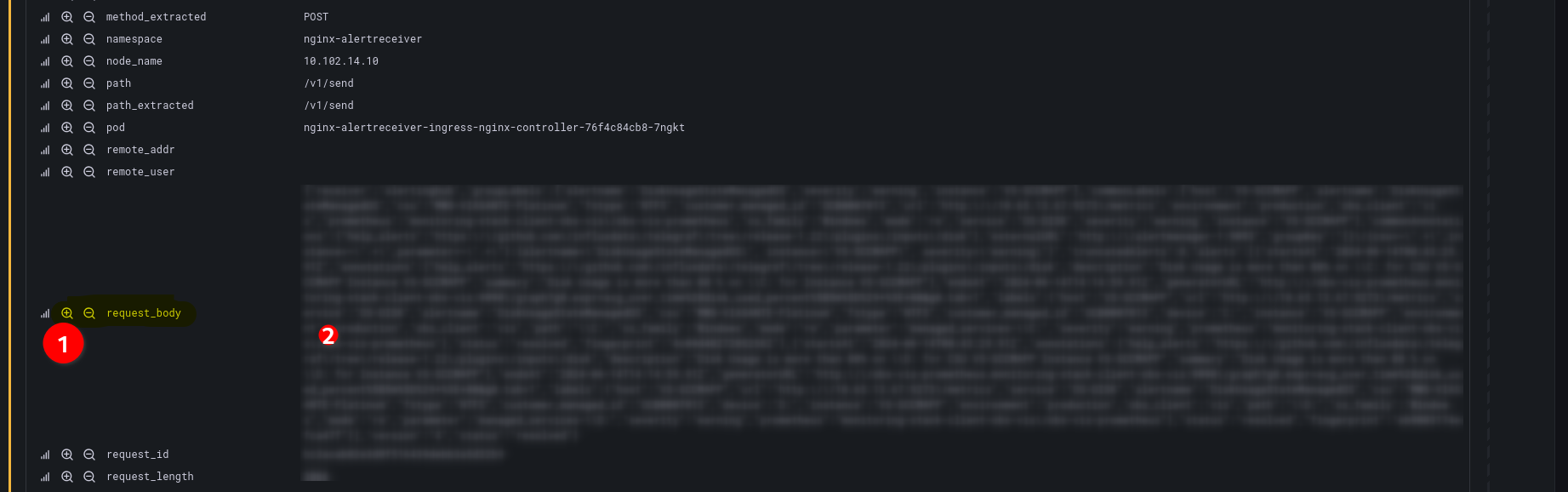
Go to Grafana here
add to your request |="<customer_name>" # exemple |="test04"
go to request_body (1)
copy request_body (2)
MIT site#
Payload validation#
-
Go to MIT site, Alert receiver Payload Validation menu.
Warning
To use MIT, you must enter the following proxy: http://proxypac.si.francetelecom.fr:8080/
Example with Chromium:
chromium --proxy-pac-url="http://proxypac.si.francetelecom.fr:8080/" "https://mit.equant.com/MIT/consultation_alert_receiver_payload_validation.php" -
Get
internal API keyfrom Vault stored at/secrets/secret/list/applications/nginx-alertreceiver/${client}/location (exemple: client=gv). -
GET
request_bodyfrom Grafana by using the following expression:{namespace="nginx-alertreceiver"}| json | cc_client=$clientThe result must be:

Alertreceiver configuration#
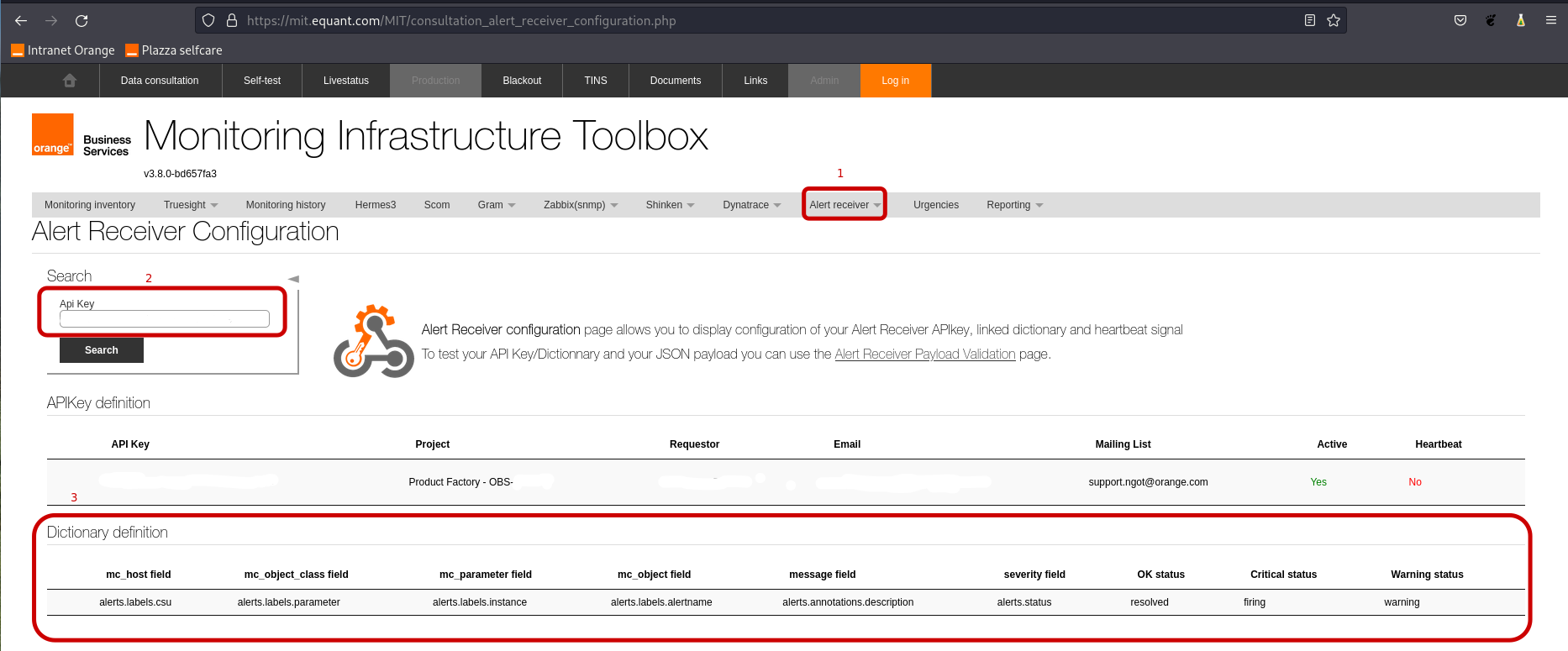
It is also possible to check Alertreceiver configuration.
-
Go to MIT site Alert receiver Configuration menu.
-
Get
internal API keyfrom Vault stored at/secrets/secret/list/applications/nginx-alertreceiver/${client}/location (exemple: client=gv) and copy it in theApi Keysearch bar in order to visualise the dictionary definition on Alertreceiver site.The result will have the next format: