Manage Administrator account for Grafana#
Grafana namespaces#
In this section, there are multiple categories of Grafanas, each one in their own namespace. Here is the correspondance :
NGOT:
| Zone | Namespace |
|---|---|
| Central production | svc-grafana-central-corp-prd |
| Central staging | svc-grafana-central-corp-stg |
| Client | grafana-client-obs-${CLIENT} |
Where ${CLIENT} can be pf, test04, etc.
Caascad:
| Zone | Namespace | Deployment name | Description |
|---|---|---|---|
| infra | monitoring |
caascad-grafana | Grafana infra |
| cloud | monitoring |
caascad-grafana | Grafana infra |
| cloud | monitoring-client |
client-grafana | Grafana client |
Get the admin password#
Grafana pod is configured to generate a new random admin password when deployed. The only way to get that password is to decode the secret.
Get the secret of Grafana launched in ${NS} namespace :
NS="<grafana_namespace>"
SECRET="grafana-secret"

kubectl get secret \
    --namespace "${NS}" \
    "${SECRET}" \
    -o jsonpath="{.data.admin-password}" \
    | base64 \
        --decode; \
    echo
Temporary re-activate Grafana Login Form#
NS="monitoring-client" # or NS="monitoring"

kubectl \
    -n "${NS}" \
    edit \
    deploy \
    client-grafana # or caascad-grafana
Search for GF_AUTH_DISABLE_LOGIN_FORM and change its value to "false".
Now you are able to login to the admin account through the login form with the password above.
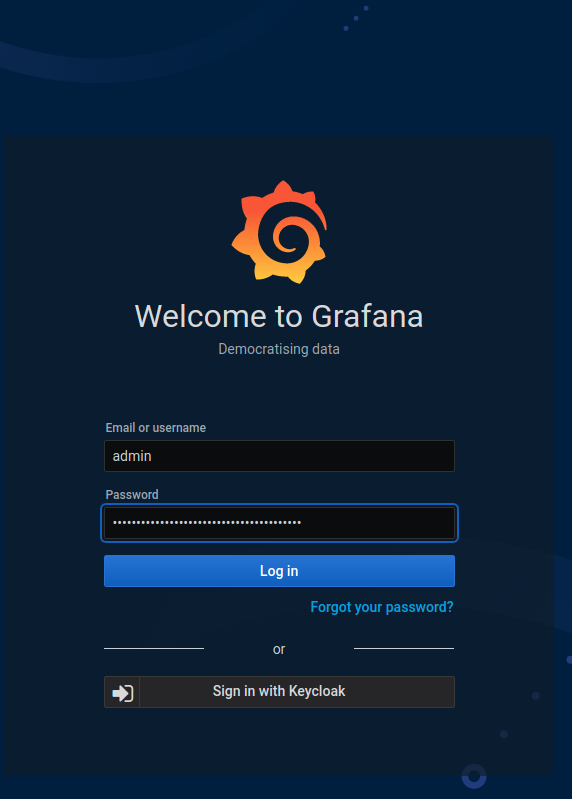
When finished, disable the login form:
NS="monitoring-client" # or NS="monitoring"

kubectl \
    -n "${NS}" \
    edit \
    deploy \
    client-grafana # or caascad-grafana
Search for GF_AUTH_DISABLE_LOGIN_FORM and change its value to "true".
Reset the admin password#
The easiest way to reset the admin password if necessary is to redeploy it with trackbone with bootstrap option enabled:
cd caascad/terraform/envs-ng
nix-shell
trackbone apply -z <zone_to_redeploy> -c grafana-<infra|cloud>-<caascad|client> -t bootstrap=true